

To get started in solving a problem – one must define the constants... or something like that. Here are they
- No full-scale arcade table
- Cheap as possible, because I'm broke as a teenager singing MCR (not referencing my past)
- I have zero mechanical engineering skills, so the design needs to be simple enough that it doesn't completely explode my brain
- It should reflect the core experience of the game – without the cabinet.
Now, how do we tackle this problems?
No Full-Scale Arcade Table
Enter, my extremely beat up Samsung Galaxy Tab S10
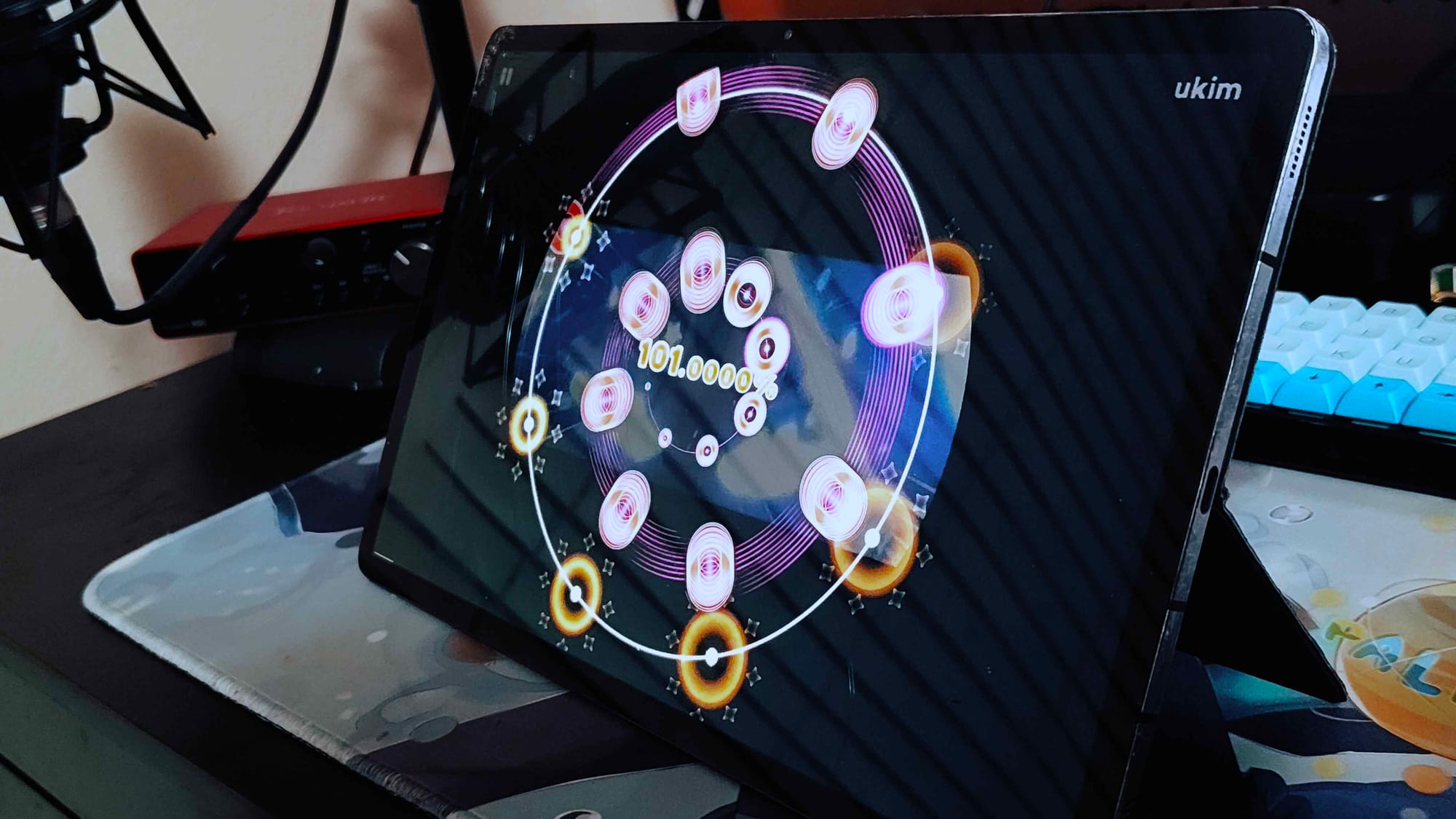
What’s running on it right now is AstroDX—a free, open-source mobile MaiMai simulator designed specifically for practice. AstroDX allows you to play MaiMai using just a phone or tablet, making it an accessible and surprisingly accurate training tool.
If you wanna know more about AstroDX, check out their wiki page!
For this project, AstroDX is perfect. Instead of recreating an entire arcade cabinet from scratch, it gives me a solid starting point. The touchscreen side of the problem is already solved, which means I can focus entirely on what actually matters for this build:
the buttons.
The buttons
I’m not going to mechanically replicate the buttons used in the MaiMai arcade cabinet.
I simply don’t want to.
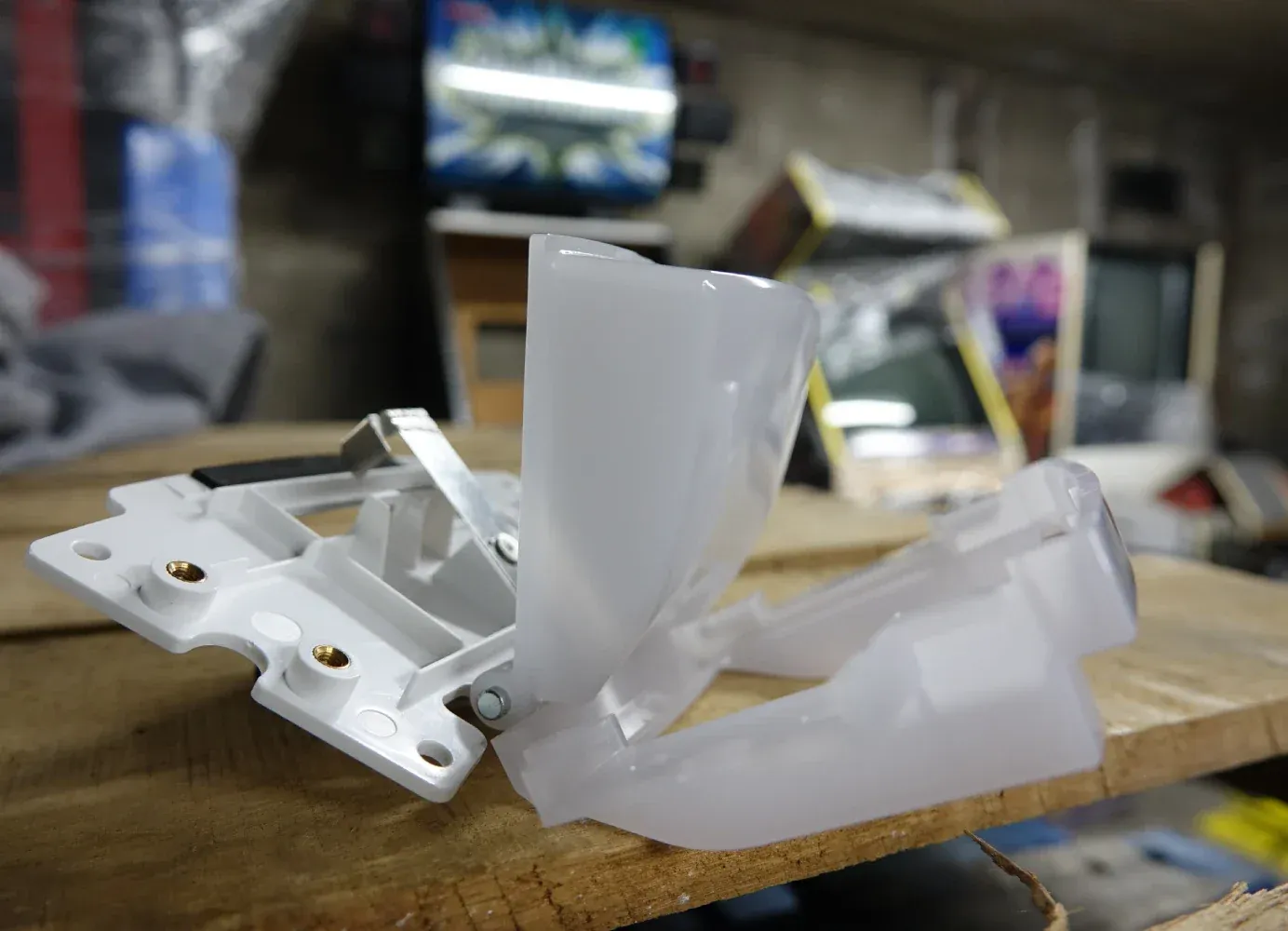
Yes, I understand how they work: a hinge-style mechanism with a copper lever that shorts a contact when pressed. But recreating that design would require sourcing custom parts, designing a compatible 3D-printed button assembly, iterating tolerances, and generally diving far deeper into mechanical engineering than I’m willing to suffer through.
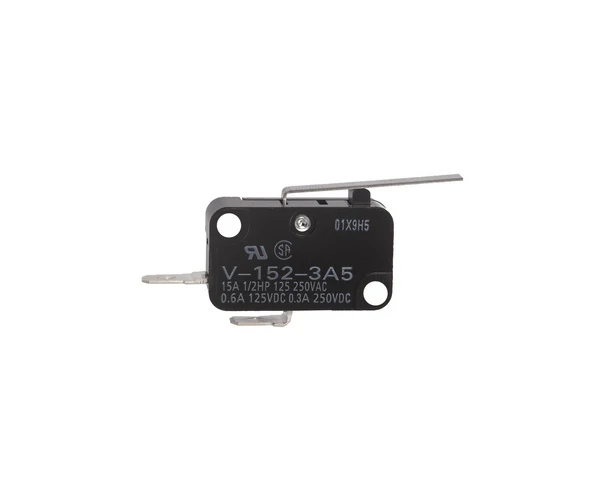
Some alternatives came to mind. For example, using Omron lever-style switches, which already include a mechanical actuator. However, these switches are relatively bulky, and fitting them cleanly while keeping the buttons reasonably sized would be difficult.
I could make the miniaturized version of the buttons – but where the hell am I gonna get a copper sheet.
Instead, I chose a solution based on something I already know how to work with: keyboard switches.
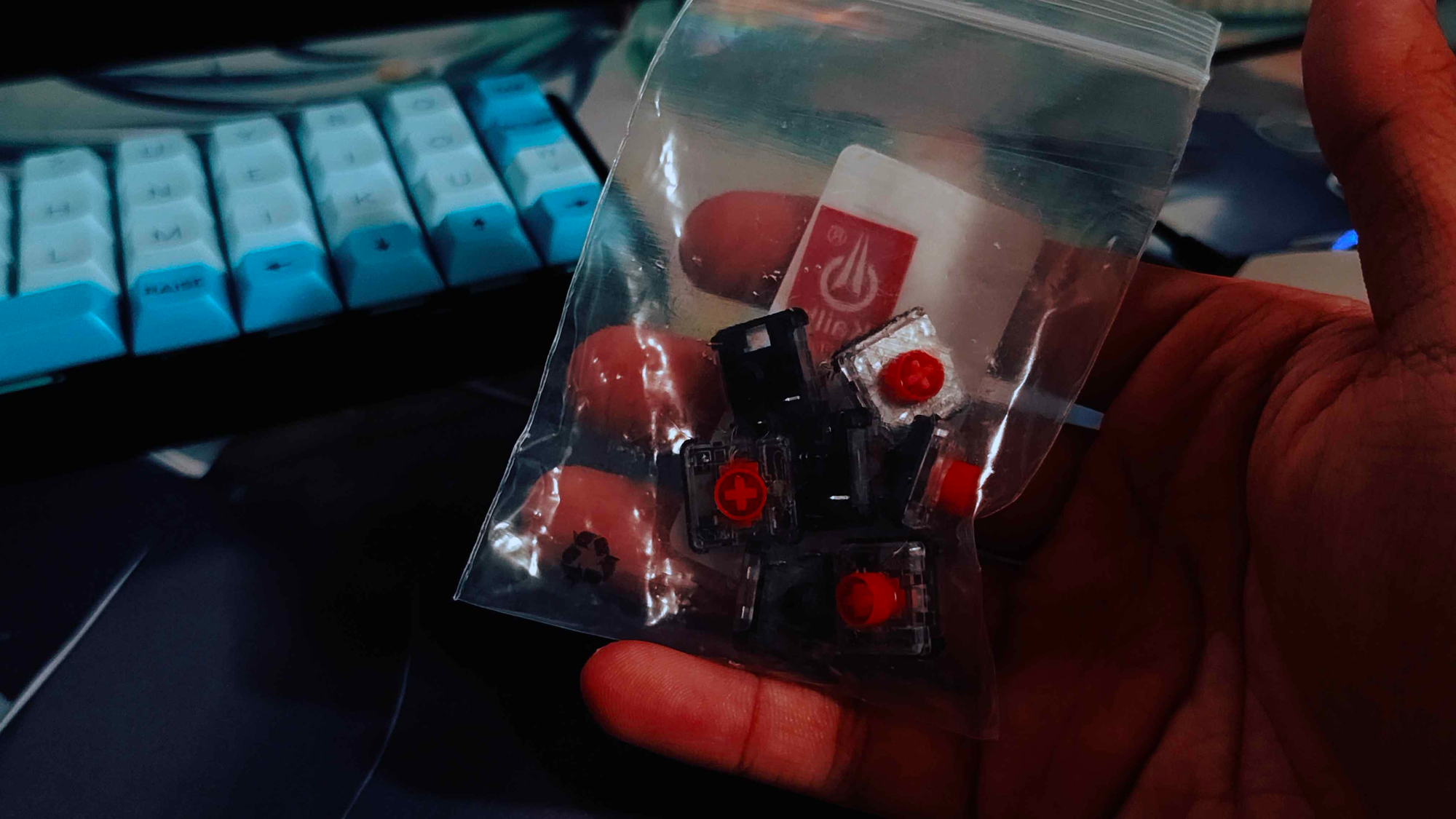
Kailh produces low-profile Choc switches, which are both slim and compact are perfect for this use case. Their low height allows them to fit comfortably within the physical constraints of the device.
As an added bonus, I already had these switches in my inventory...
With this approach, the design becomes straightforward: arrange the switches in a circular layout, connect them to a custom PCB, and interface everything with an external microcontroller. The microcontroller reads the button presses and sends the inputs over USB.
…or at least, it could have ended there